FAQ's
Saving Accounts
Tips for Securely Accessing Bank Statements via Email
Email bank statements offer secure, convenient monthly access to account transactions with strong authentication and safety controls.
Synopsis
You can sign up to receive bank account statements via email.
You must take the necessary security measures to safely access bank statements via email.
If you need to share your statements with others, you must redact the crucial account information.
Overview
For the longest time, the only way to know your bank account balance was to visit your bank’s branch and update your passbook. The passbook maintains a detailed record of all your banking transactions. But in this modern, digital age, you don’t need to bother with updating your passbooks frequently. Instead, you can sign up for online bank statements and track your transactions. Let’s understand a little more about this facility and learn how to securely access and download bank statements.
Bank Statements Via Email – What it Entails
Most banks in India offer digital banking services. One of the many facilities born out of this need to embrace and provide digital services, is online bank statements – a facility that reduces the need for you to visit your bank to update your passbook. Today, when you open your account with any bank, you can sign up to receive your bank statements on your email address.
Most bank typically provide this facility free of charge and send you your bank account statement on a fixed date each month, generally in the first week of the month. Also, if you have been a bank’s customer since before the digitisation age, you can subscribe to their internet and mobile banking services, and use those platforms to sign up to receive Savings Account statements via email.
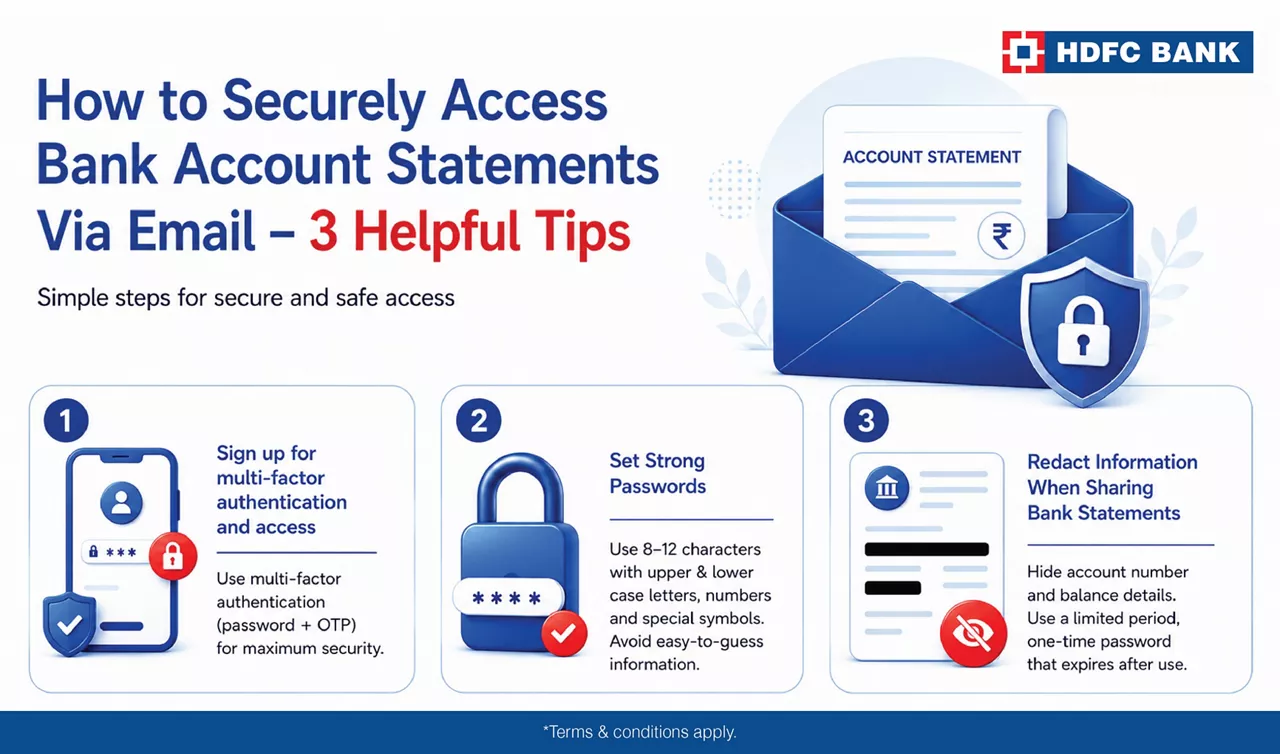
How to Securely Access Bank Account Statements Via Email – 3 Helpful Tips
When it comes to accessing your financial statements, you need to be cautious. Here are some things you can do.
1. Sign up for multi-factor authentication and access
Depending on your bank, you may be able to access your account statement either by setting your own password or by entering a combination of letters and numbers like the first four letters in your name and the last four digits of your account number. Some banks also allow access via a link that sends you an OTP. For maximum security, its is best to choose multi-factor authentication and access.
2. Set Strong Passwords
The cardinal rule that applies to any financial activity, is to set a strong passwords. If your bank allows you to set your passwords, you must ensure you choose a combination of 8-12 characters, comprising small and capital letters, one or more numbers and some special characters/symbols. You must also ensure the password is not easily guessable like your date of birth, wedding anniversary, etc.
3. Redact Information When Sharing Bank Statements
There may be times when you may need to share your bank statements – whether for legal reasons or to dispute some claims. When such incidents occur and you are forced to share your bank account statements via email, you must take measures to redact or hide all the information, except that which pertains to the specific dispute or claim. You must hide your account number and balance data, and also set a limited period, one-time-use password, that expires as soon as the statement is opened.
As an HDFC Bank Savings Accountholder, you can enjoy an array of complimentary privileges and benefits. One such facility we offer is monthly bank account statements, that we send on your registered email address. You can sign up for this facility through your internet or mobile banking account or by visiting your bank’s branch. By availing this facility, you can track your monthly transactions, and also take a print out of the statements for your personal records.
*Disclaimer: Terms and conditions apply. The information provided in this article is generic in nature and for informational purposes only. It is not a substitute for specific advice in your own circumstances.
Email bank statements are monthly digital account summaries sent securely to your registered email address.
Use strong passwords or multi‑factor authentication provided by your bank for safe access.
Always redact sensitive details and protect the file with a one‑time, time‑bound password.

Related Blogs


Go digital with a secure, paperless account