Frequently Asked Questions
Saving Accounts
What is a Bank E-Statement?
Learn what a bank e-statement is, its benefits, and how to access and download it securely.
Synopsis:
- An electronic statement is a digital version of your bank account transactions.
- You can access your account details, transactions and balances through e-statements.
- You can access e-statements after undergoing specific authentication procedures.
Overview
Gone are the days of waiting for paper statements to arrive in the mail. Thanks to the digitisation of banking facilities e-statements have become increasingly popular among banks and customers alike. They offer a convenient and eco-friendly alternative to traditional paper statements. This comprehensive guide aims to explain the concept of E-Statements, exploring their benefits, functionality, and security measures applied by banks to make sure they are secure.
What is an E-Statement?
An electronic or E-statement is simply a digital version of your account statement that is provided by the bank through electronic means. You can access your bank statement online through the bank’s internet banking portal or mobile banking application. The statement contains detailed information about your account activity over a specific period, including transactions, balances, interest earned, charges incurred, and other relevant financial data.
Benefits of Online Bank Statement
Following are some key benefits of signing up for e-statements:
- Convenience
Bank statements online offer unparalleled convenience by providing instant, round-the-clock access to your accounts. With online bank statements, you can view your financial data with just a few clicks. - Environmental Sustainability
By eliminating the need for paper, printing, and postage, e-statements significantly reduce the environmental impact associated with traditional paper statements. - Cost-Effectiveness
Since banks save on printing and postage expenses, they levy lower to zero administrative charges on providing e-statement facilities. - Enhanced Security
E-statements are encrypted and protected by robust security protocols, reducing the risk of unauthorised access or fraud. - Easy To Store & Save
Most banking platforms offer options to download or save online bank statements for future reference, making it easier to track and manage finances over time.
How Electronic Statements Work
The process of accessing bank statements online may vary slightly depending on the bank’s online banking platform or mobile application. The following are the general steps:
- You can register for electronic statement through your bank’s internet banking portal or mobile app. This may involve providing consent to receive online bank statements.
- Once registered, you will receive notifications via email or SMS whenever a new statement is available for viewing. These notifications typically include a link or instructions for accessing the statement securely.
- You can access your statement by logging into your internet banking account or mobile banking app using secure authentication credentials.
- E-statements are usually accessible in PDF format, allowing you to view, download, or print them as needed.
- Banks generate e-statements periodically based on your chosen statement cycle (e.g., monthly, quarterly, or annually). You can customise your preferences per your needs.
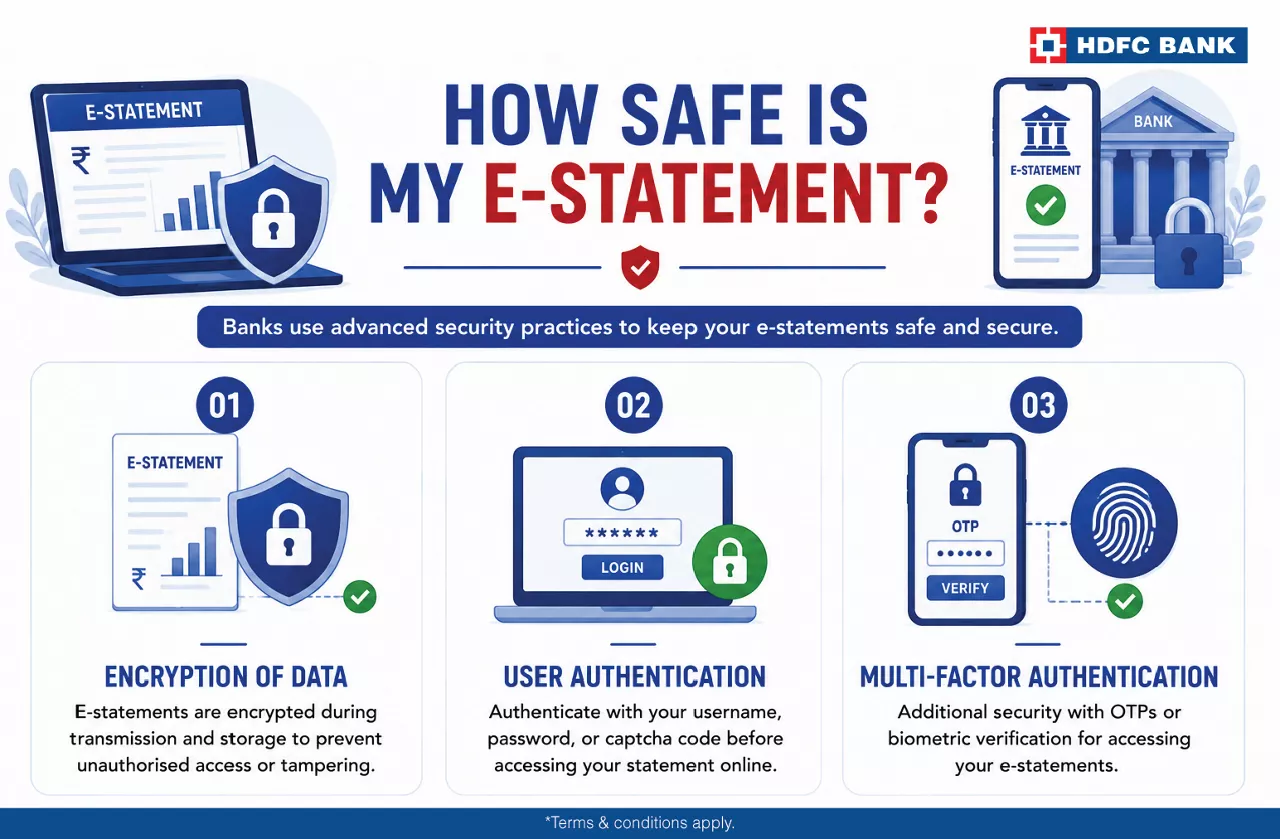
How Safe Is My E-statement?
Banks employ various security measures to safeguard the financial data stored in the e-statements. Some common security practices include:
- Online banking bank statements are encrypted during transmission and storage to prevent unauthorised access or tampering.
- As a user, you must authenticate your login credentials, including username, password, or captcha code, before accessing your statement online.
- Some banks may implement multi-factor authentication (MFA) methods, like one-time passwords (OTPs) or biometric verification to provide access to e-statements.
Log in to NetBanking or MobileBanking, select your account, and download the required statement.
Yes. An e-statement is the digital version of your bank statement.
It may be accepted by many organisations. Please check their documentation requirements.
E-statements are generated based on your selected statement frequency, such as monthly.
Yes. They are protected through secure banking authentication and encryption.

