Frequently Asked Questions
Saving Accounts
How to Link Mobile Number with Bank Account
Learn how to link or update your mobile number with your bank account online, via ATM and at the branch.
Synopsis
Linking your mobile number with your bank account allows you to keep tabs on your banking activity at all times.
You may update your mobile number with the bank via online banking channels.
You can visit the bank branch and get your mobile number updated in person as well.
Overview
Typically, when you open an account with the bank, you are required to provide a mobile number. Linking your mobile number to your bank account is important since it allows you to monitor your account activity. However, there may be various reasons your mobile number must have changed. If this is the case, you must update your new mobile number with the bank. In this article, you can get information on how to link mobile number with bank account.
How to Link Phone Number to Bank Account Online via Digital Banking Channels
Certain banks may allow you to update your contact details via their NetBanking or Mobile Banking platforms. The process can vary across banks but the general steps can be as follows:
Log into your online banking platforms.
Navigate to the contact details section.
Select the relevant option to update your contact details.
Follow the instructions and update the mobile number. Typically, you will receive a one-time password (OTP) on the existing number for verification.
How to Link Mobile Number to Bank Account via Bank Branch
You can visit your bank branch and request the bank representative to provide you with a form to update your contact details. Simply fill out the form as instructed, provide your new mobile number and submit any documents requested by the bank, if any. It may take a few days for your new mobile number to be linked to your bank account, depending on the bank.
How to Link Mobile Number to Bank Account via ATM
Some banks may allow you to link your mobile number through ATMs. Follow these steps:
Visit your bank’s ATM.
Insert your Debit Card and enter the PIN.
Select the option to update your mobile number available on the ATM screen.
Follow the on-screen instructions to update your mobile number.
How to Link Mobile Number to HDFC Bank Account
As an HDFC Bank Account holder, you can update your mobile number in the following ways:
Via Insta Services
You can update your mobile number via HDFC Bank Insta services in the following steps:
Go to this page and enter click on ‘Let’s Begin’.
Enter your registered mobile number.
Enter either your Date of Birth, PAN or Customer ID.
Enter the OTP received on the registered mobile number.
Provide your new mobile number and follow the on-screen instructions to complete the process.
To avail of this facility, you must be above 18 years old and a resident Indian holding a Savings/Salary/Current Account with the bank. You must complete KYC for ID and address proof as well.
Via Bank Branch
You can visit your HDFC Bank branch and request for a form to update contact details. Fill out the form as instructed and submit it along with a photo ID proof.
Via HDFC Bank ATM
You can visit your nearest HDFC Bank ATM > insert your Debit Card in the machine > select the option to update your mobile number > follow the on-screen instructions to update it and confirm.
Importance of Linking Mobile Number to Bank Account
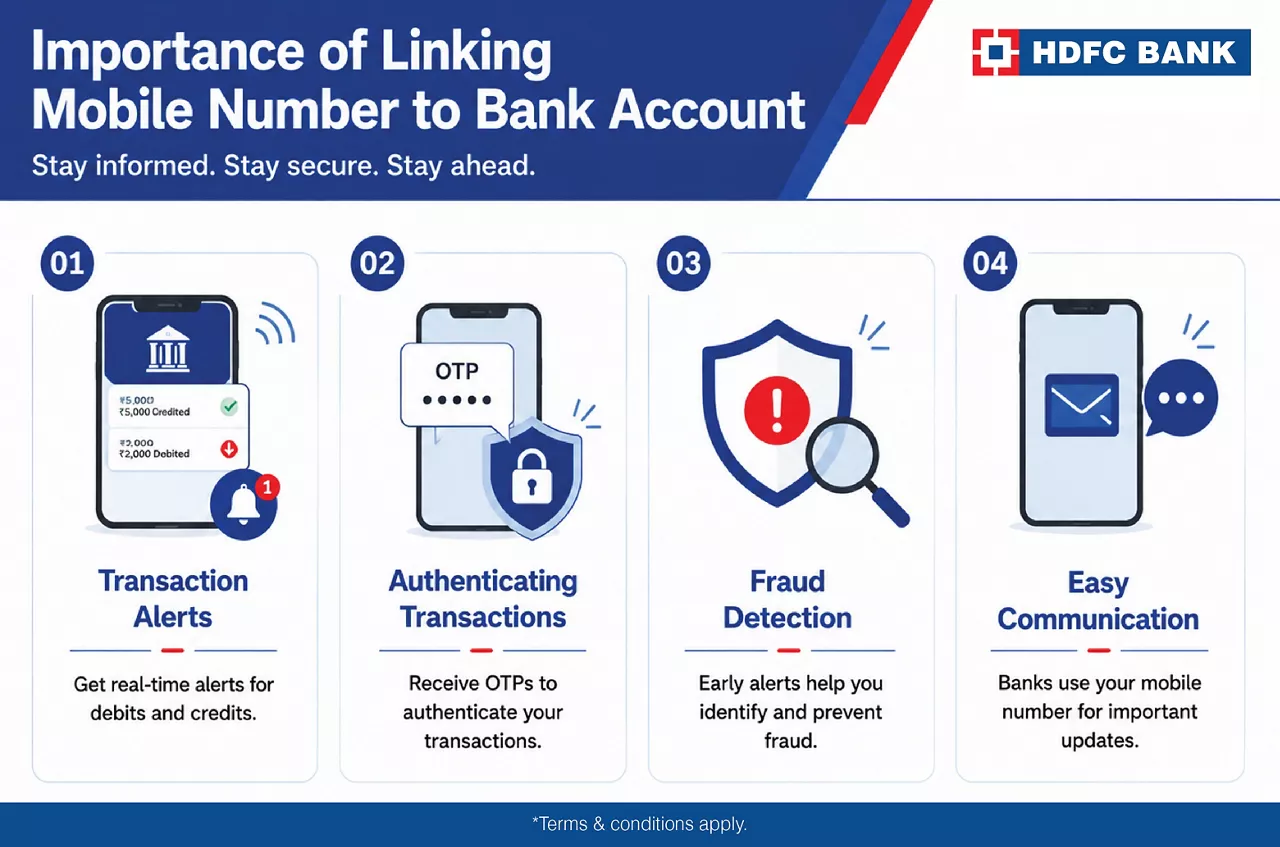
Here’s why your mobile number should be updated with your bank account:
Transaction Alerts: You can receive notifications for debit and credit transactions to your bank account, allowing you to monitor banking activity.
Authenticating Transactions: You will receive OTPs on the registered mobile number to authenticate transactions.
Fraud Detection: By receiving alerts, you can detect potential fraud early on and safeguard your account funds.
Easy Communication: Your mobile number is the primary form of communication for banks for any new updates.
Link Your Mobile Number to Bank Account Quickly
By updating your mobile number with your bank account, you can stay on top of your banking activities. With HDFC Bank, you can conveniently link your contact details via Insta Services, Bank branch or ATM.
*Disclaimer: Terms and conditions apply. The information provided in this article is generic in nature and for informational purposes only. It is not a substitute for specific advice in your own circumstances.
Yes. Many banks allow you to update your mobile number through NetBanking, Mobile Banking, or other digital self-service channels, subject to verification.
A registered mobile number helps you receive transaction alerts, OTPs for secure banking, and important account-related updates.
Some banks offer the option to update your registered mobile number through select ATMs by following the on-screen instructions.
If you update your mobile number at a bank branch, you may be asked to submit a valid identity proof along with the request form.

Related Blogs


Go digital with a secure, paperless account.