Frequently Asked Questions
Saving Accounts
How Can I Get My Bank Statements Online
Learn how to get your bank statement online via NetBanking, the mobile app and email, step by step.
Synopsis
- Banks have embraced technology and bank statements are available online for easy access.
- A bank statement is a summary of your financial transactions for a fixed duration.
- Downloading your statement online provides advantages like convenience, security, and easy access to your account.
Overview
Gone are the days of standing in long lines for simple things like getting passbooks updated or obtaining bank statements. Today, you can effortlessly access your bank statements online. Banks today are embracing technology to offer enhanced customer services. Most of them provide online access to your accounts. So, if you are wondering, ‘how can I get my bank statement online’, and wish to know about the advantages of accessing statements online, this article is for you.
What Is A Bank Statement?
A bank statement is an official summary of financial transactions occurring within a specific period for an account held at a financial institution. It includes details like deposits, withdrawals, transfers, etc. Typically issued on a monthly basis, a bank statement provides a clear record of your account’s activity, helping you track your finances, identify discrepancies, and maintain financial transparency. As an accountholder, you can access your bank statements in paper form or electronically through online banking platforms.
How To Get My Bank Statement Online
The steps for how to find bank statement online are simple as mentioned below:
1. Register for Online Banking
The first thing you need to do is to register for your bank’s online banking services. This, you can do by visiting your bank’s website, clicking on the registration link, and following the instructions. You might need to provide your account number, mobile number, and other personal details. You will also need to create a user ID and password.
2. Log In to Your Account
Once registered, you can login on the bank’s online or mobile banking portals by entering your user ID and password.
3. Navigate to the Statements Section
Upon logging in, look for a section labelled ‘Statements’, ‘Account Statements’, or ‘E-Statements’. This section is usually found under the ‘Accounts’ or ‘Services’ tab.
4. Select the Desired Period
Choose the date range for which you need the bank statement. Some banks provide predefined options like the last month, last quarter, or custom date range.
5. Download or View Statement
After selecting the desired period, you can either view the statement online or download it in PDF format. Some banks also offer the option to email the statement to your registered email address.
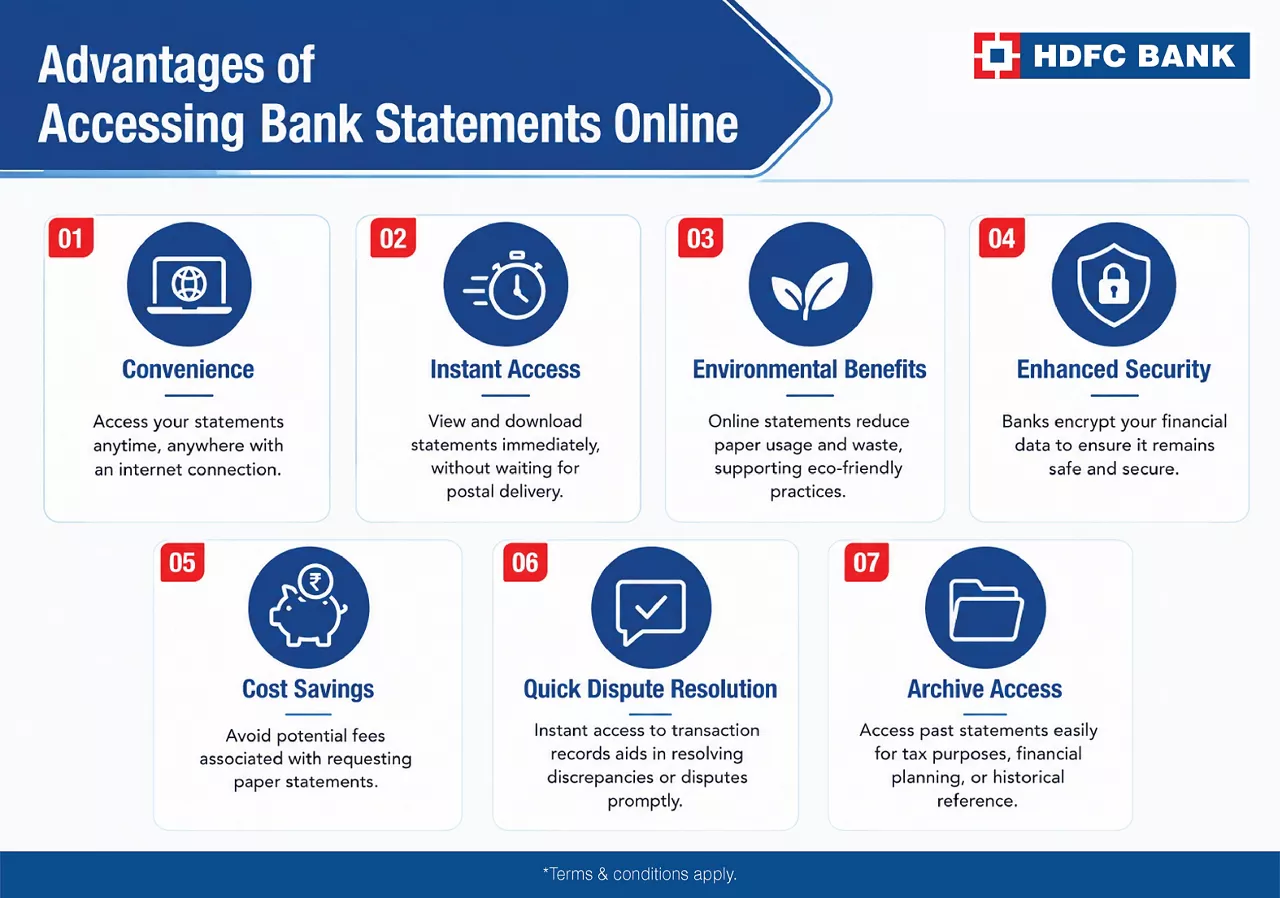
Advantages of Accessing Bank Statements Online
Now that you know how to get bank statement online, let’s assess the benefits of doing so:
Convenience: You can access bank statements anytime and anywhere with an internet connection, eliminating the need to visit a bank branch.
Instant Access: You can view and download statements immediately, without waiting for postal delivery.
Environmental Benefits: Online statements reduce paper usage and waste, supporting eco-friendly practices.
Enhanced Security: Banks takes the necessary measures to encrypt your financial data so that no one else can access it.
Cost Savings: You can avoid potential fees associated with requesting paper statements.
Quick Dispute Resolution: Instant access to transaction records aids in resolving discrepancies or disputes promptly.
Archive Access: You can access past statements easily for tax purposes, financial planning, or historical reference.
Download Your HDFC Bank Statement Easily Online
As an HDFC Bank Savings Account holder, you can conveniently download your bank statements online. You simply need to log in to your internet or mobile banking portals to can access your account statements with just a few clicks. This feature allows you to review your transaction history, monitor your finances, and download your statements in PDF format anytime, ensuring you have complete control over your bank records.
*Disclaimer: Terms and conditions apply. The information provided in this article is generic in nature and for informational purposes only. It is not a substitute for specific advice in your own circumstances.

Related Blogs


Go digital with a secure, paperless account.