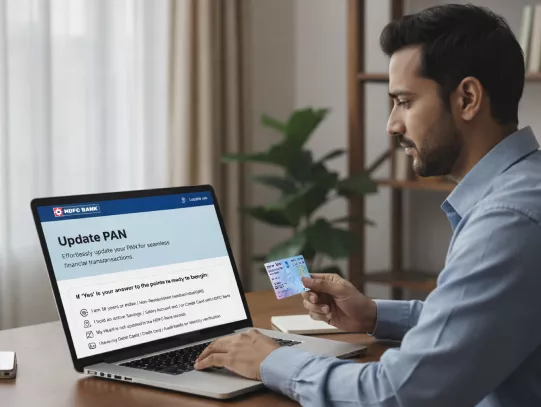

Documents Required to Update PAN Card

Know More About PAN Card Update
-
How to check your PAN Card Application at Income Tax Department
-
Prerequisites for PAN Updation
-
Benefits of InstaServices
-
Things to Remember


Ways to Update a PAN Card in HDFC Bank
Visit the HDFC Bank website > InstaServices page.
Select PAN updation and click on “Let’s Begin.”
Log in using your registered mobile number.
Verify your identity using your DOB or Customer ID
Enter the OTP received on your registered mobile number.
Confirm your PAN Card details.
Authenticate via Debit Card, NetBanking, or Aadhaar.
Submit and receive confirmation.
Visit your nearest HDFC Bank branch.
Provide your original PAN (if requested) and a self-attested copy
Submit the form and verification copy.
Receive an acknowledgement slip.
Importance of Updating PAN Card
- Regulatory Requirement: As per Reserve Bank of India’s (RBI) Know Your Customer (KYC) norms, banks must maintain valid PAN or Form 60 records.
- Smooth Transactions: PAN is mandatory for high-value deposits, withdrawals, and investments. Without it, services may be restricted.
- Avoid Disruptions: Central Board of Direct Taxes (CBDT) requires PAN (or Aadhaar, where applicable) for cash transactions above ₹20 Lakh in a financial year.
- Investment Compliance: Fixed Deposits, Securities, and Mutual Funds require valid PAN details for approval.
Frequently Asked Questions
HDFC Bank’s PAN updation details get validated and updated within 4 working days. Online PAN update happens immediately
As per the RBI’s KYC framework, banks are required to keep valid PAN details on record.
Online PAN update happens immediately.
Each Account holder must update PAN Card details to ensure records are complete.
Transactions above certain thresholds may be restricted until your online PAN update is completed.
You need to go through Services & Support > InstaServices > Update/Add PAN to complete your request.
Update Your PAN Card in HDFC Bank Records Now!